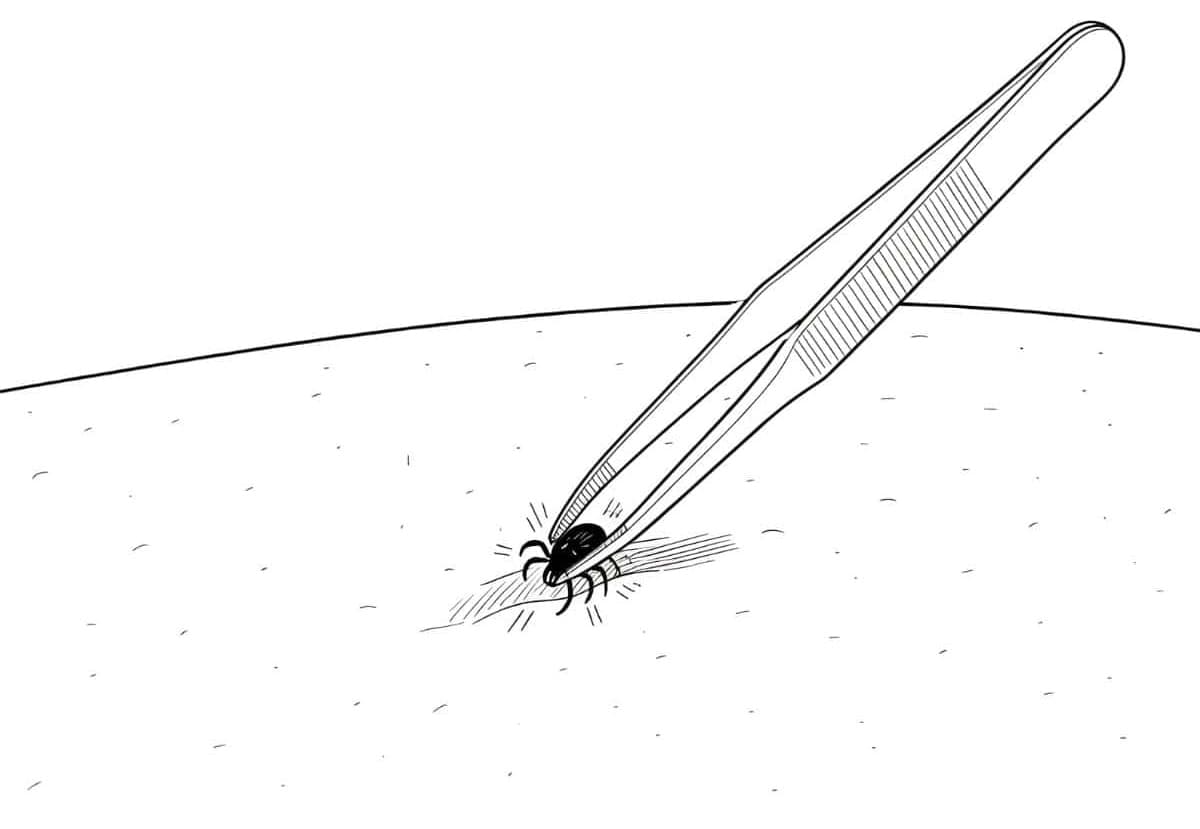
Grip close to the skin
Use fine-tipped tweezers or a tick removal tool. Grip the tick as close to the skin as possible.

Test the tick at home for rapid insight in 30 minutes.
Watch the 3-minute demonstration or follow the written steps below.
Always follow the instructions included with your test kit.
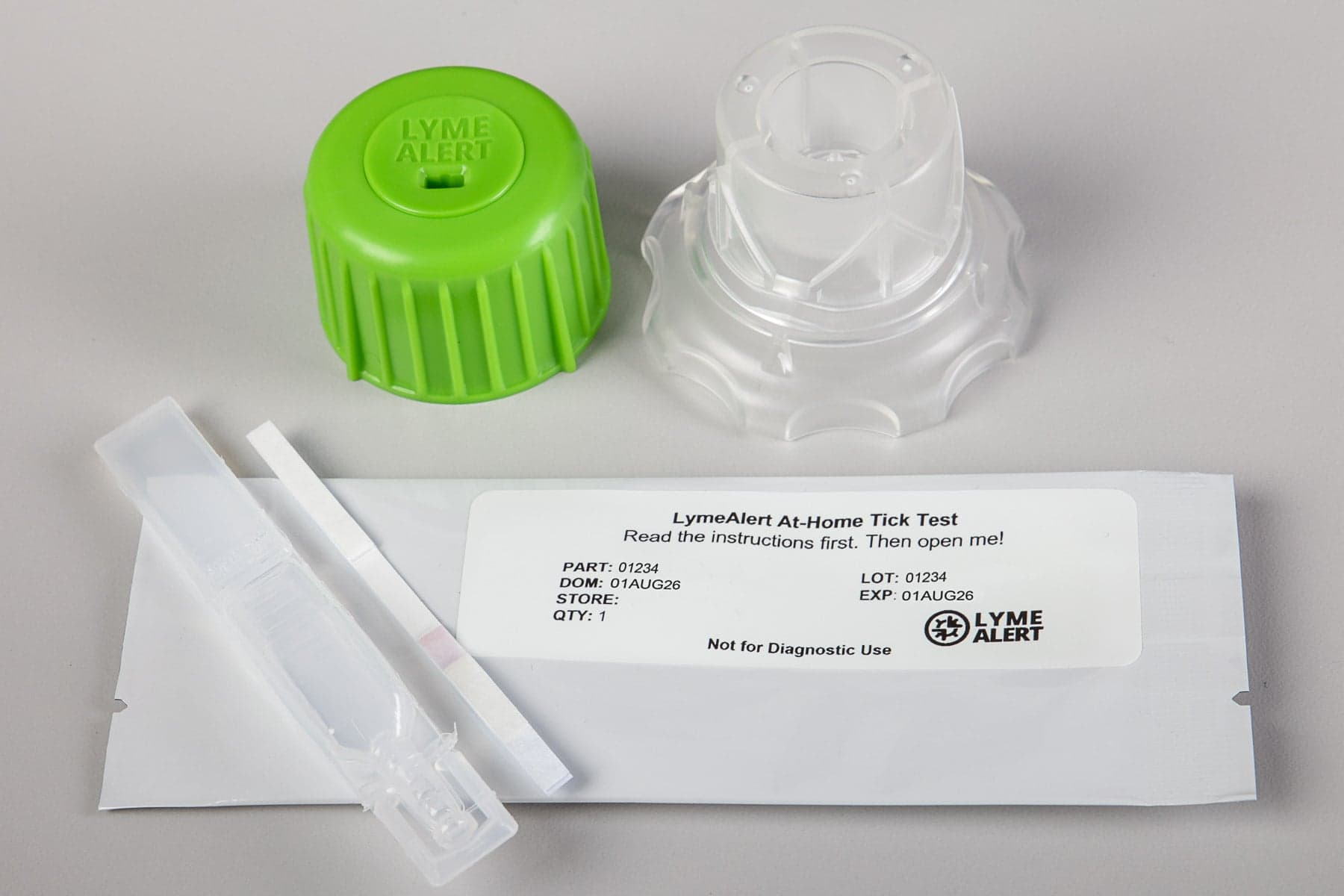
Make sure you have everything ready for the test.
Tick Crusher™ (base and lid)
Test solution tube
Test strip
Use the right technique to avoid damaging the sample.
Use fine-tipped tweezers or a tick removal tool. Grip the tick as close to the skin as possible.
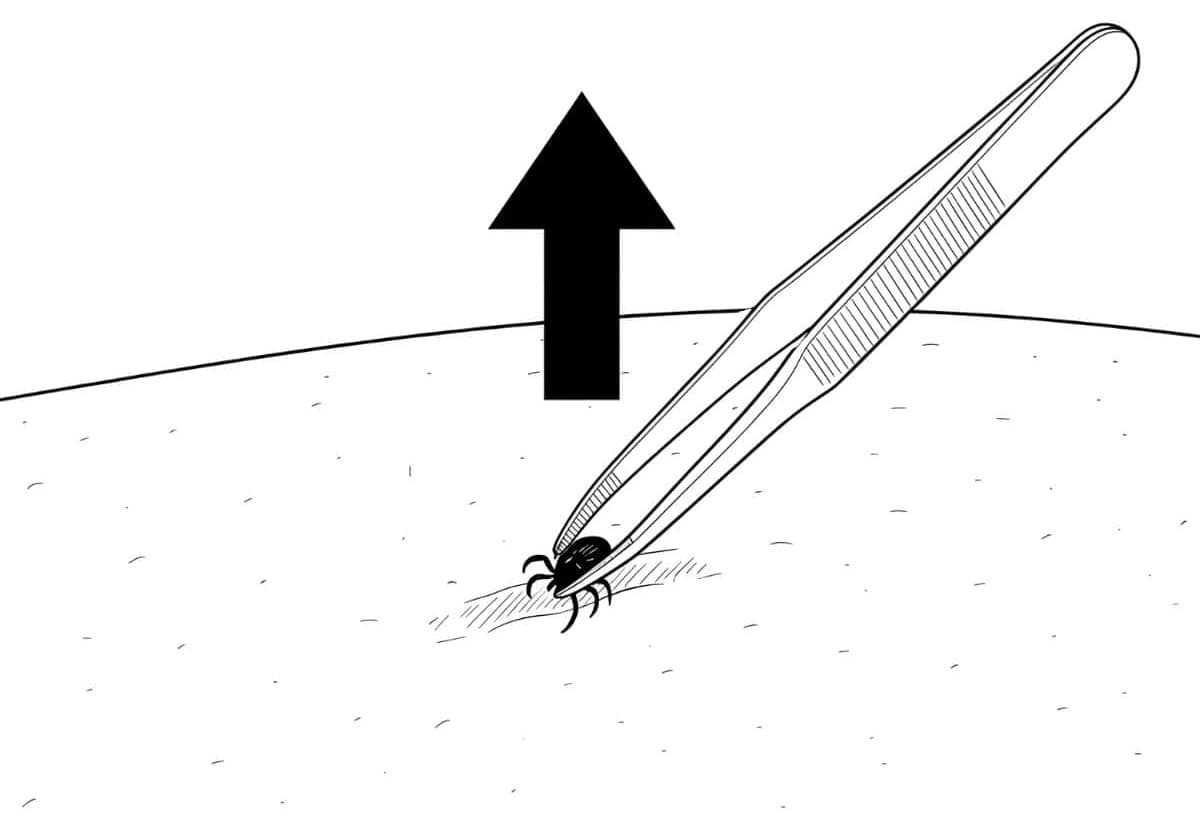
Pull upward with steady, even pressure. Do not twist or squash the tick.
Perform the test and set a timer to check results.
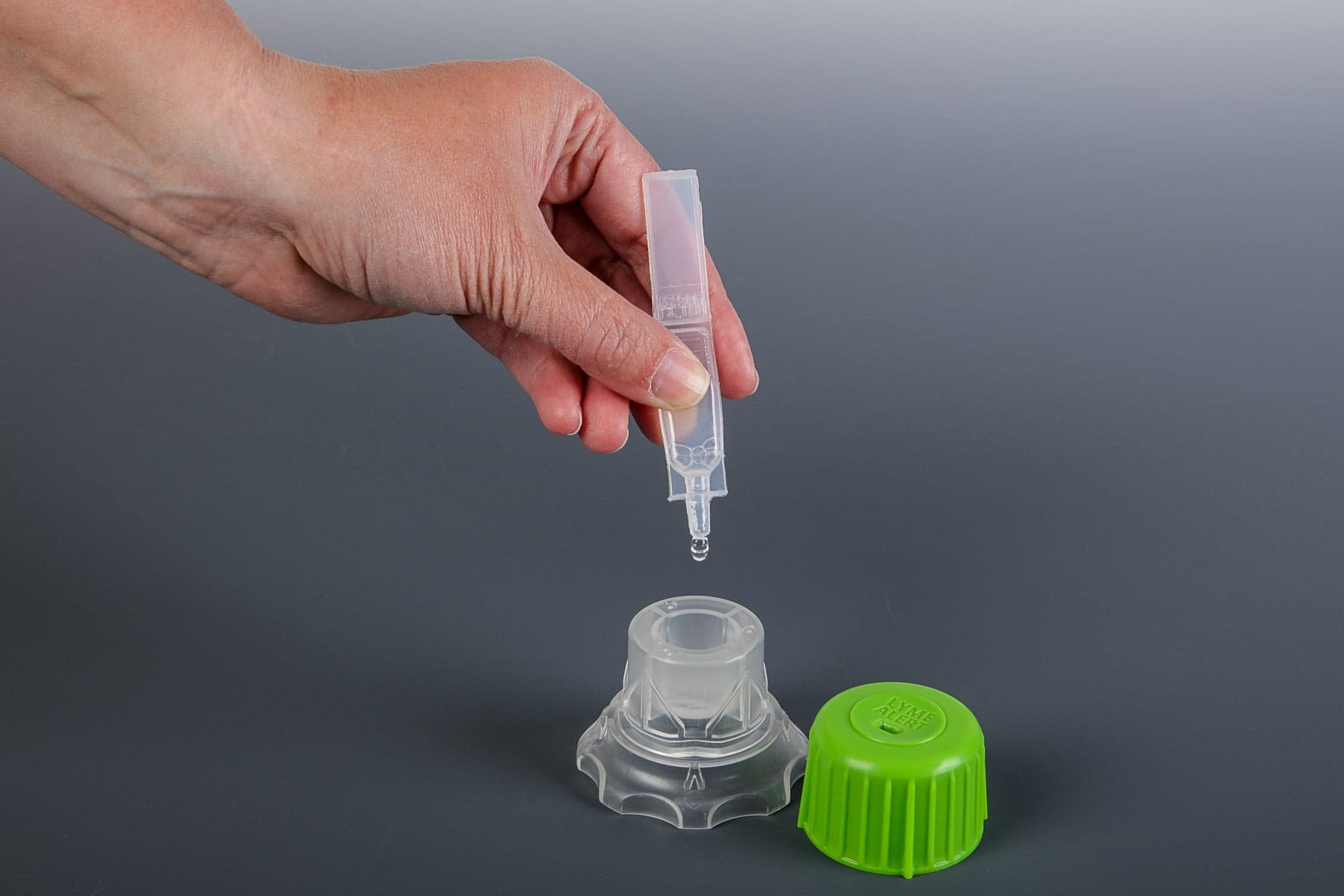
Safely remove the tick. Place tick into Tick Crusher. Empty buffer solution completely into Tick Crusher.
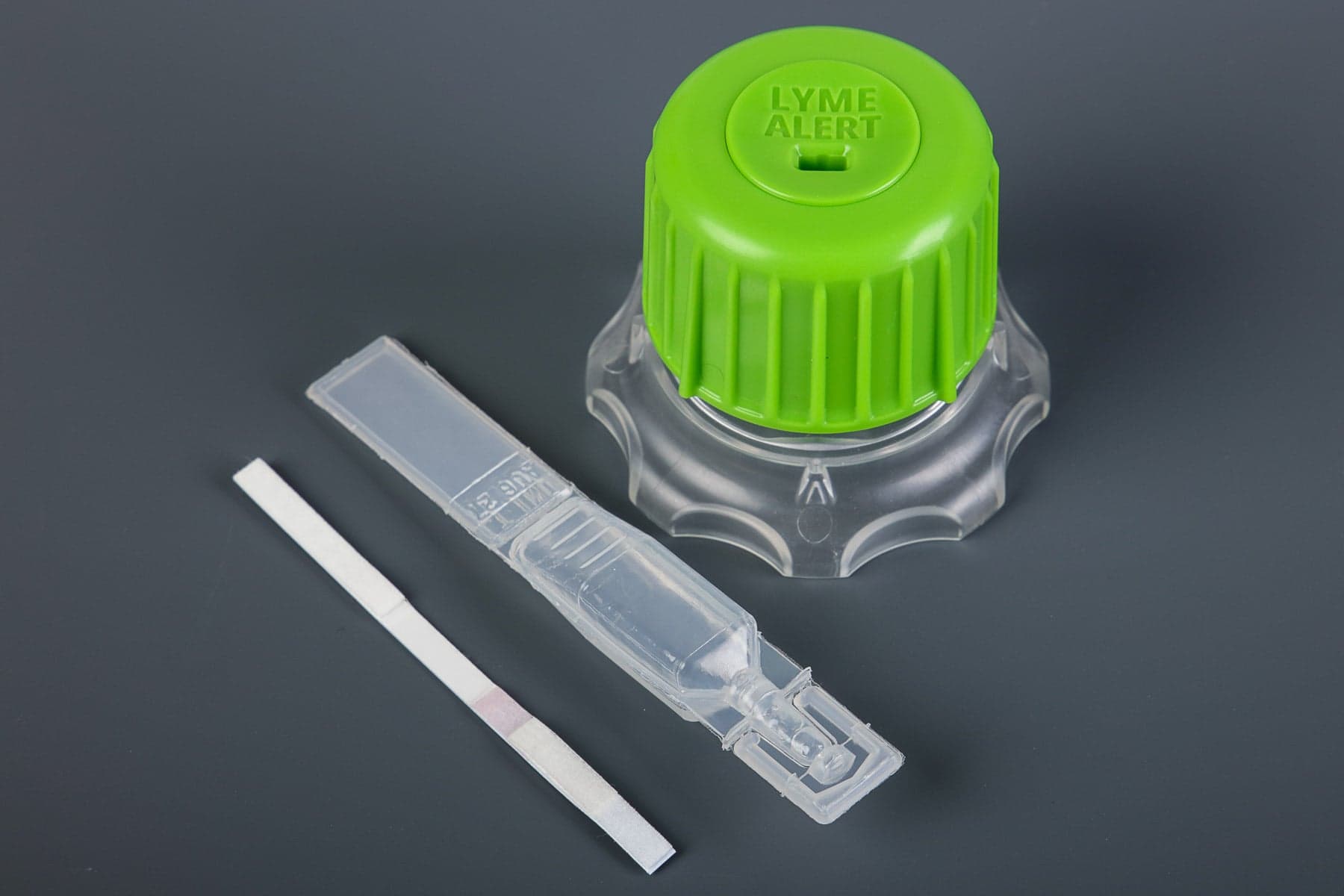
Snap lid on base of Tick Crusher (cannot be reopened). Twist lid at least 10 times. Confirm tick is crushed by looking through clear window on bottom of Tick Crusher.
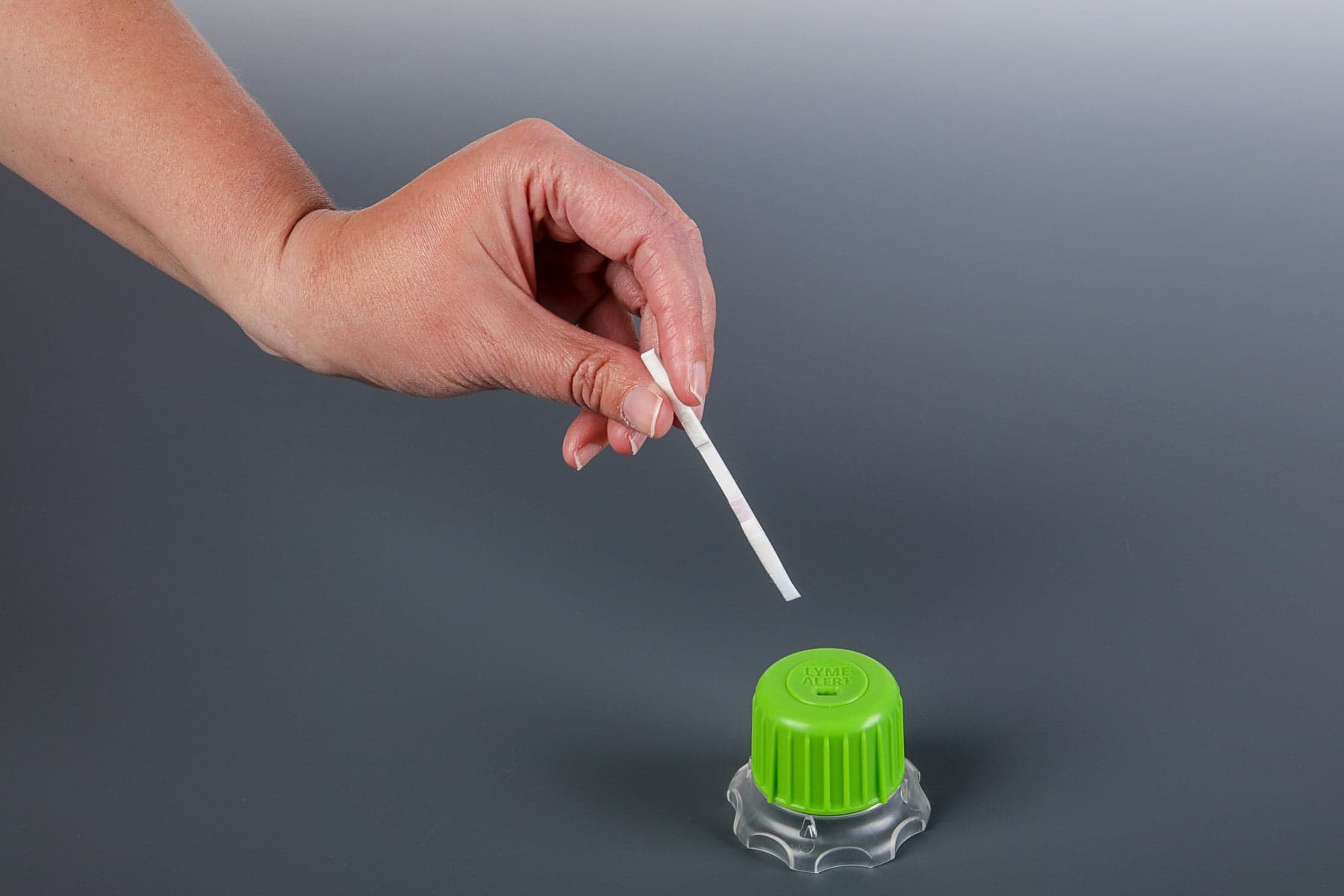
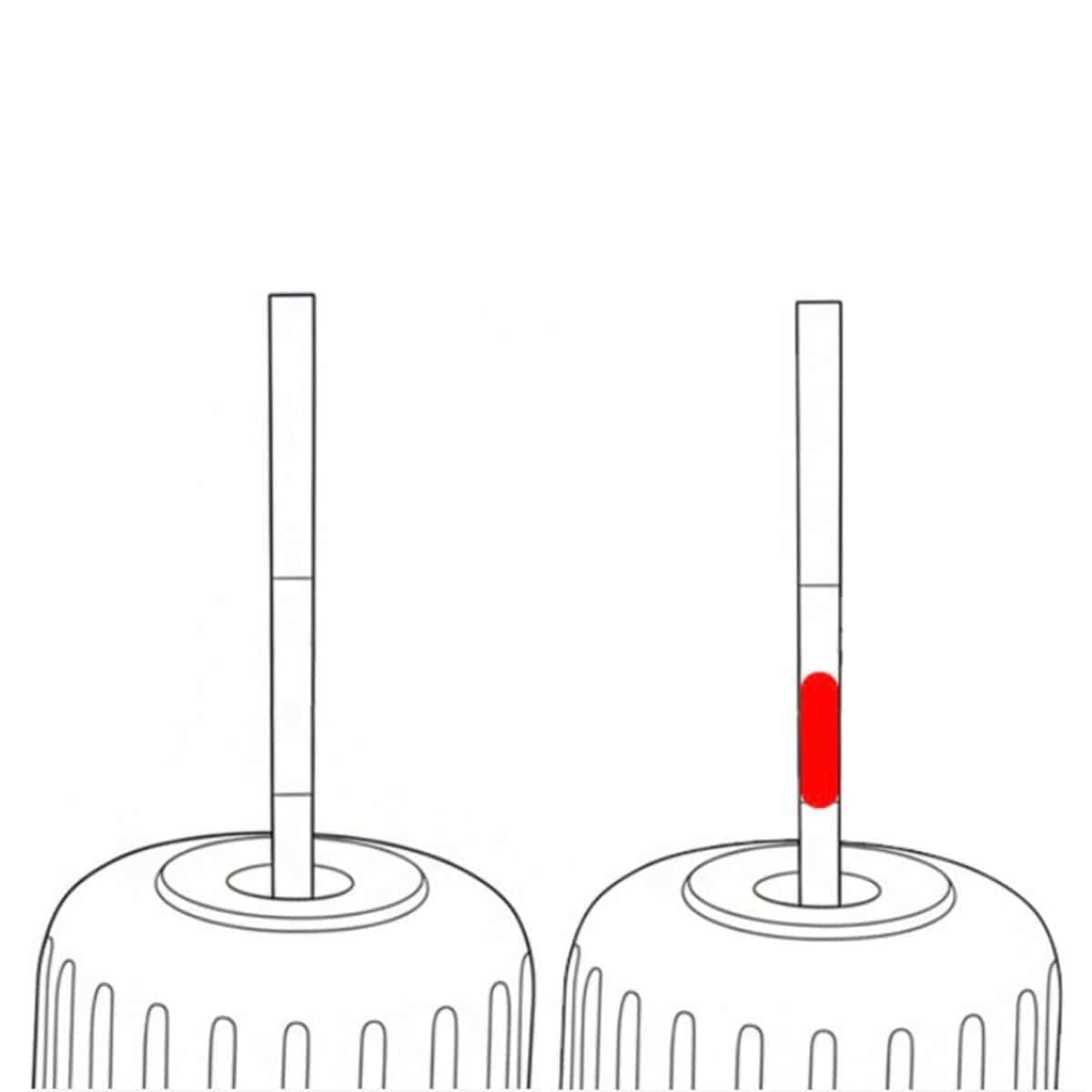
Insert test strip into slot in lid with arrow facing down. Read results at 30 minutes. Test should not be read after 45 minutes. Some positive results may appear in 15 minutes or less.
Data about the tick to help guide your next step.
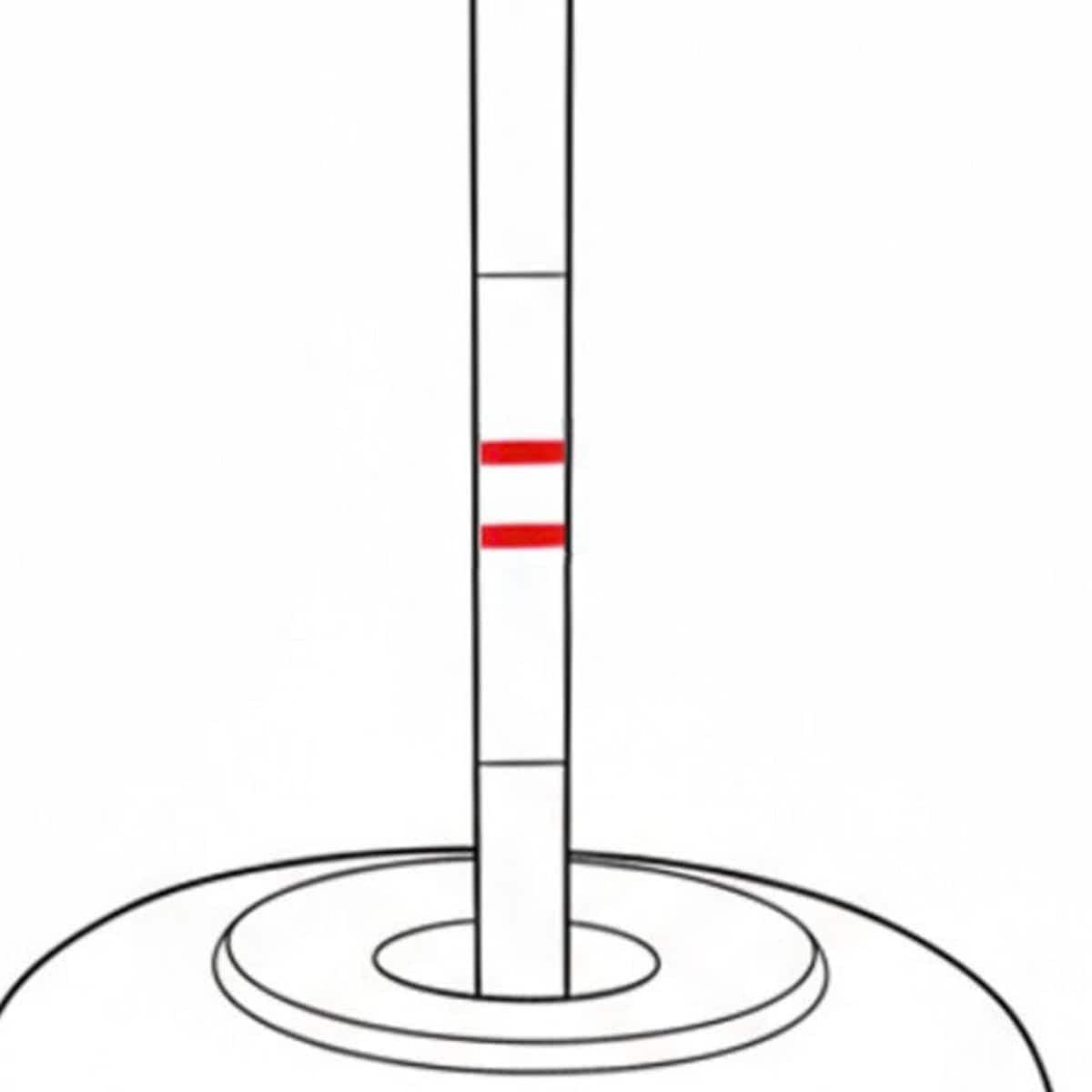
Two lines (test + control): Positive result.
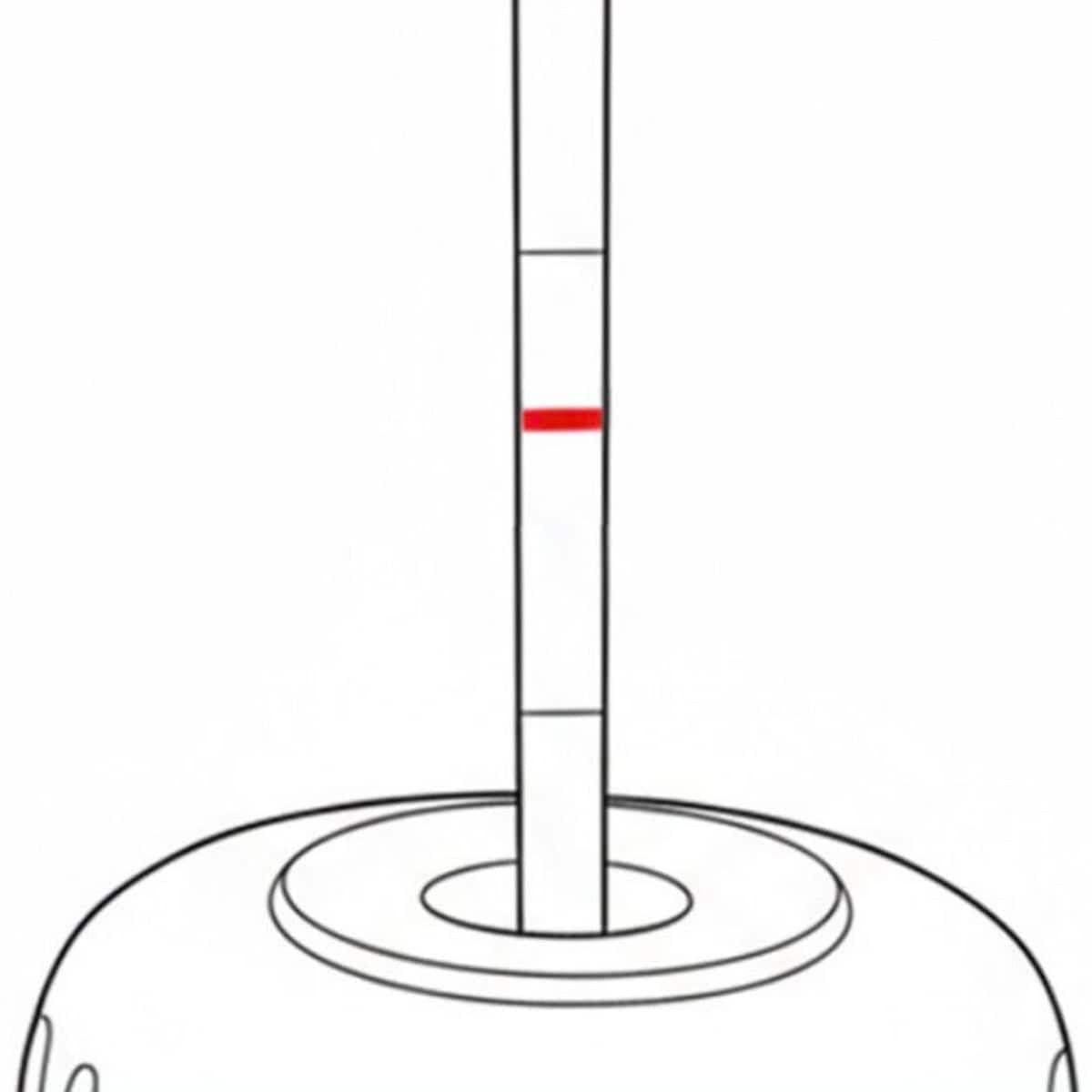
One line (control): Negative result.
The LymeAlert App is a companion tool to the LymeAlert tick test kit. It can help:
Scan the test strip using the app for definitive results.
Connect to telehealth or televet services for guidance on next steps.
Track tick-borne disease expansion and identify high-risk geographic areas.
LymeAlert detects the presence of Borrelia burgdorferi, the pathogen that can cause Lyme disease in ticks, with lab-level accuracy.
Yes, the test works with ticks removed from both humans and animals.
Consult with a medical or healthcare provider.
Read results at 30 minutes. Test should not be read after 40 minutes. Some positive results may appear in 15 minutes or less.
Contact your healthcare provider and download the LymeAlert app for additional information.
This product tests the tick only.
This test does not diagnose Lyme disease in humans or animals. It is intended to detect Borrelia burgdorferi in ticks.